A WordPress site without a reliable, automated backup is a disaster waiting to happen. A single bad plugin update, a security breach, or a server glitch can instantly wipe out years of work and customer trust. The most common cause of catastrophic data loss is often something as mundane as physical damage or corruption of the server's storage media. If a hard drive fails and your primary backups are compromised or inaccessible, a specialized service for professional hard drive recovery might be the only path to retrieve your site's data, highlighting the need for a robust, multi-layered strategy.
But not all backup solutions are created equal. Many plugins are resource hogs that slow down your site, have confusing restore processes, or worse, fail silently when you need them most. This guide cuts through the marketing noise to deliver a practical analysis of the best WordPress backup plugins available today.
We're not just listing features. We are providing an in-depth breakdown of the 12 leading options, including UpdraftPlus, Jetpack VaultPress Backup, and Duplicator Pro. You'll find direct comparisons of their core functions:
- Incremental backups vs. full backups
- Offsite storage integrations (like Dropbox, S3, Google Drive)
- Restore and migration workflows
- Real-world performance and resource usage
- Support for multisite and staging environments
Each review includes detailed screenshots, honest pros and cons, and clear pricing information to help you find the right tool. Whether you're a freelancer managing client sites, an agency standardizing your stack, or a business owner protecting your investment, this resource will help you build a resilient disaster recovery plan that actually works. We'll even explore how plugin-level backups can complement server-level snapshots for a truly complete, bulletproof setup.
1. UpdraftPlus (TeamUpdraft)
With over three million active installations, UpdraftPlus has earned its reputation as one of the best WordPress backup plugins available. It offers a reliable and straightforward approach to securing your website data. The free version provides essential functionality, allowing you to create full, manual, or scheduled backups of your database, plugins, themes, and uploads. These backups can be sent directly to a wide array of remote storage locations, including Dropbox, Google Drive, and Amazon S3, ensuring your data is safe off-site.
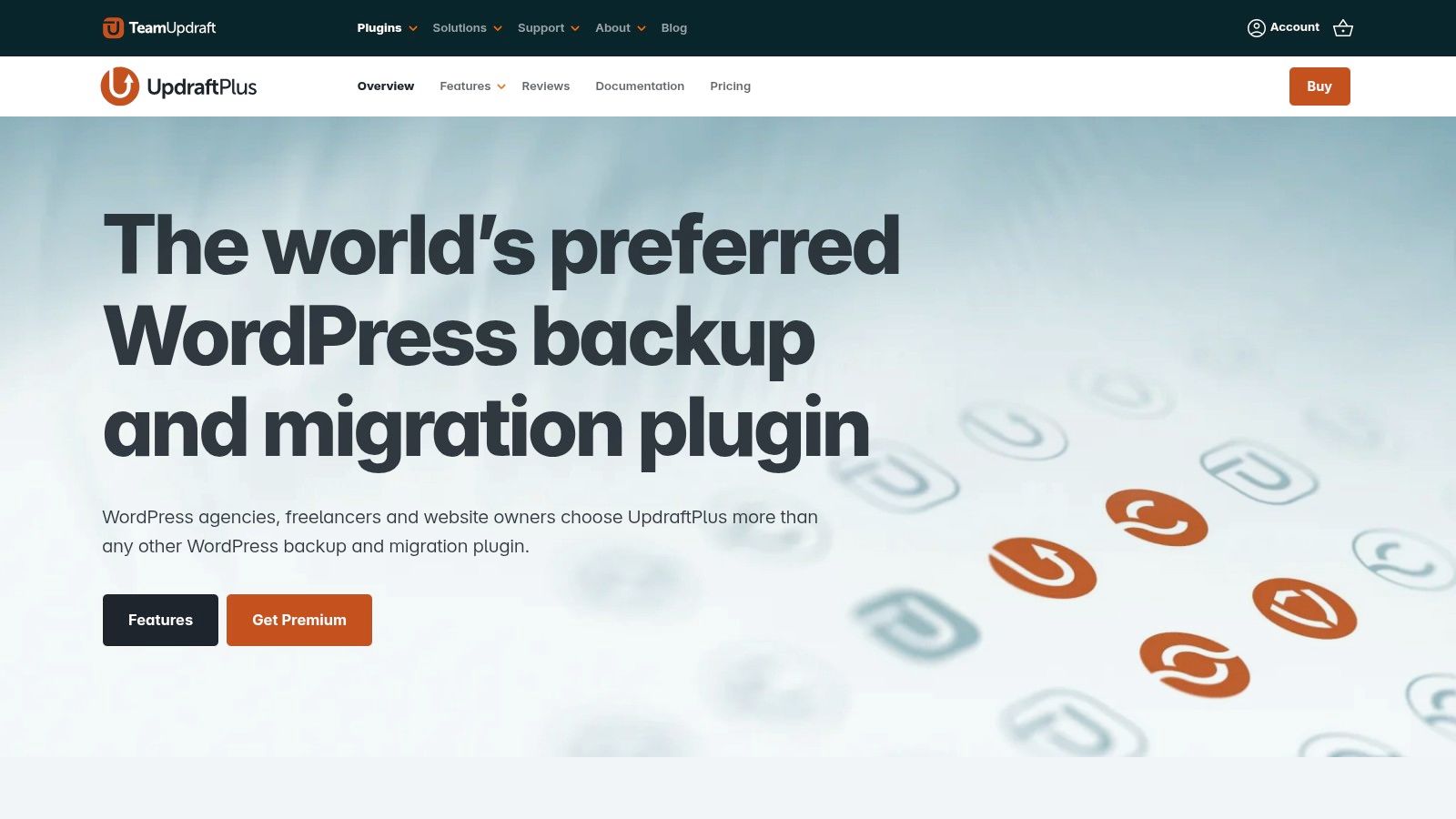
UpdraftPlus stands out due to its mature ecosystem and robust feature set, particularly in its Premium version. Agencies and developers managing multiple sites will find significant value in the premium tools, such as the Migrator for cloning or moving sites, and incremental backups that reduce server load by only backing up recent changes. The platform also supports multisite networks, providing granular control over backing up and restoring individual sites within the network. If you need a deeper dive into the fundamentals of securing your site, our guide on how to back up a WordPress site provides a solid foundation.
Core Features & User Experience
- Backup & Restore: Simple one-click restore process directly from your WordPress dashboard.
- Storage Flexibility: Supports an extensive list of cloud destinations, including SFTP, Azure, and OneDrive in the premium version.
- Advanced Tools (Premium): Unlocks incremental backups, database encryption, multisite support, and advanced reporting.
The user interface, while packed with options, can initially seem busy for beginners. However, its logical layout means most users can set up a recurring backup schedule in minutes.
Best for: Freelancers, small businesses, and agencies who need a reliable, set-and-forget backup solution with a proven track record. The free version is excellent for single sites, while Premium is a powerful asset for managing multiple client projects. Find it at updraftplus.com.
2. Jetpack VaultPress Backup (Automattic)
Coming directly from Automattic, the company behind WordPress.com, Jetpack VaultPress Backup offers a deeply integrated and hands-off backup solution. Its core strength lies in real-time incremental backups, which capture changes as they happen, making it a powerful choice for dynamic websites. Because it is built on the same infrastructure as WordPress.com, it provides reliable offsite storage that is completely independent of your hosting environment, a key factor in a robust disaster recovery plan. This makes it one of the best WordPress backup plugins for anyone who values set-and-forget reliability.
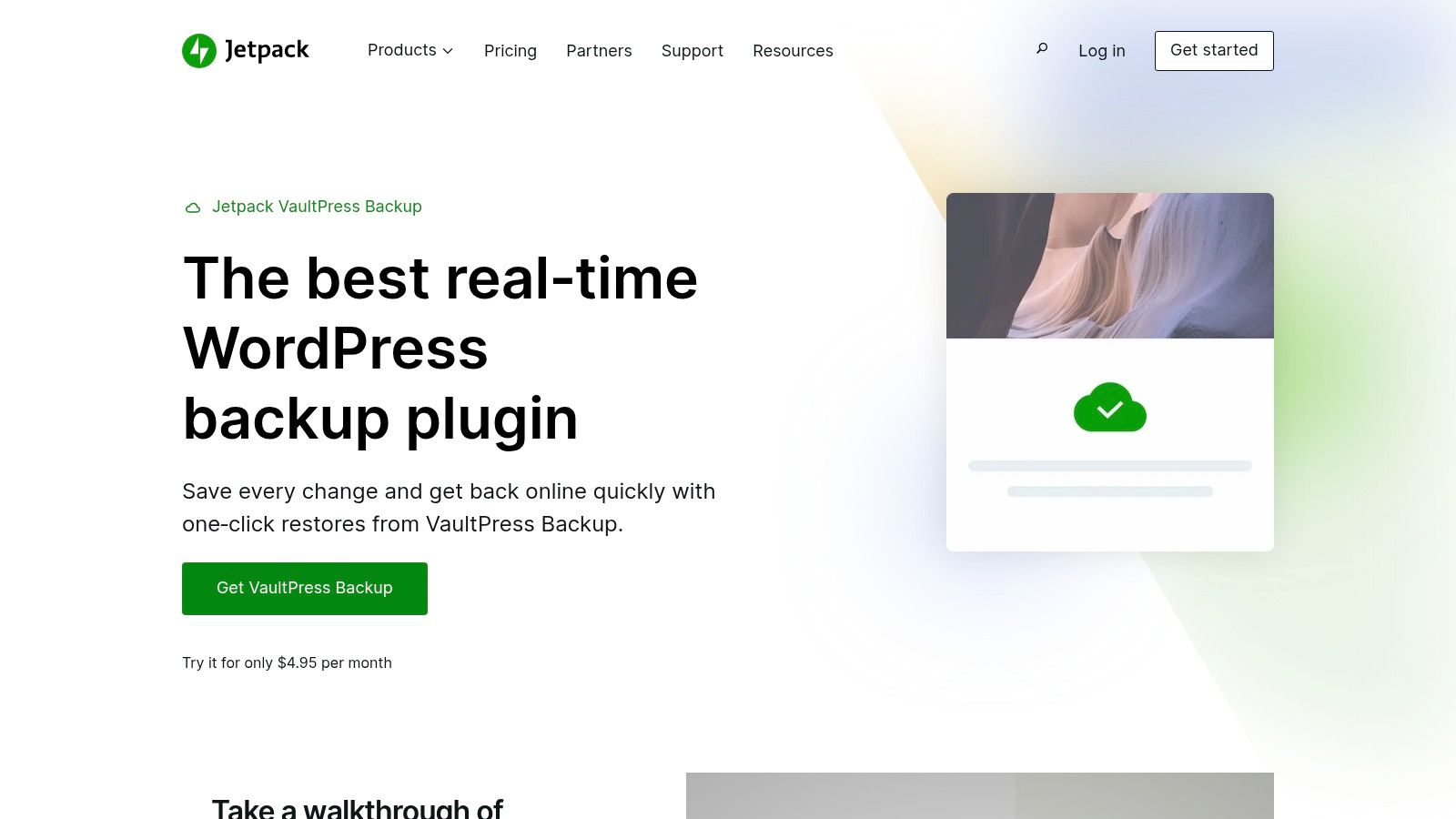
Jetpack VaultPress Backup particularly shines for WooCommerce stores. The real-time backup functionality ensures that every new order, customer registration, and product update is saved instantly, preventing data loss between scheduled backups. Restores are handled with a single click from the dashboard or even a mobile app, and the system allows you to restore even if your site is completely offline. While a backup is a critical first line of defense, it’s just one part of a complete security strategy; our guide on WordPress security best practices covers other essential measures to protect your site.
Core Features & User Experience
- Backup & Restore: Real-time incremental backups to the Jetpack Cloud with one-click restores from the web or mobile app.
- Storage Flexibility: Starts with 10 GB of cloud storage and a 30-day activity archive on the entry-level plan, with options to upgrade for more space and longer archives.
- Advanced Tools (Premium): All plans include a detailed activity log, site migration tools, and unlimited restores. Higher tiers add security scanning and other performance features.
The user experience is exceptionally simple, as setup requires little more than connecting your site to a WordPress.com account. Its main drawback is being tied to the Jetpack ecosystem, and storage limits on lower-tier plans may be a constraint for larger sites.
Best for: WooCommerce store owners and publishers of high-volume content who cannot afford to lose any data between backups. Its simplicity also makes it ideal for users who want a reliable, automated system without complex configuration. Find it at jetpack.com/upgrade/backup/.
3. BlogVault
BlogVault operates differently from typical plugins by functioning as a Software as a Service (SaaS) solution. This means backups are managed on BlogVault's own servers, completely offloading the performance-intensive process from your website. It’s particularly effective for very large or high-traffic sites where on-site backups could cause slowdowns. Known for its robust and reliable migrations (it's from the authors of the popular Migrate Guru plugin), BlogVault provides an exceptional safety net for business-critical websites.

The service’s strength lies in its integrated workflows. Beyond just backups, it includes a built-in staging environment, allowing you to test changes securely and then merge them back to your live site with a single click. This is a game-changer for developers and agencies who need a safe testing ground. For high-change sites like e-commerce stores, higher-tier plans offer real-time backups that capture every single order and customer update, ensuring zero data loss. The platform's Emergency Connector guarantees you can restore your site even if it’s completely offline.
Core Features & User Experience
- Backup & Restore: Daily automated, incremental backups with one-click restores managed from an external dashboard.
- Storage & Performance: Backups are stored on BlogVault's secure cloud infrastructure, preventing any load on your server.
- Advanced Tools: Integrated staging and merge-to-live functionality, WooCommerce and multisite support, and real-time backups on higher plans.
The per-site SaaS pricing model can become costly for agencies managing a large portfolio of smaller sites, and some key features are reserved for more expensive plans. However, its reliability and integrated staging make it one of the best WordPress backup plugins for serious businesses.
Best for: High-traffic sites, large e-commerce stores, and agencies that require a bulletproof, hands-off backup and staging solution. Its performance and reliability justify the cost for mission-critical projects. Find it at blogvault.net.
4. Duplicator Pro
While many plugins focus solely on backups, Duplicator Pro built its name on perfecting website migration and cloning. It packages your entire WordPress site-database, themes, plugins, and core files-into a single, portable archive. This makes it an exceptional tool for developers and agencies who frequently move sites between servers or set up staging environments. The Pro version extends this powerful packaging system into a full-featured backup solution, adding scheduled backups, cloud storage integration, and one-click restore points.
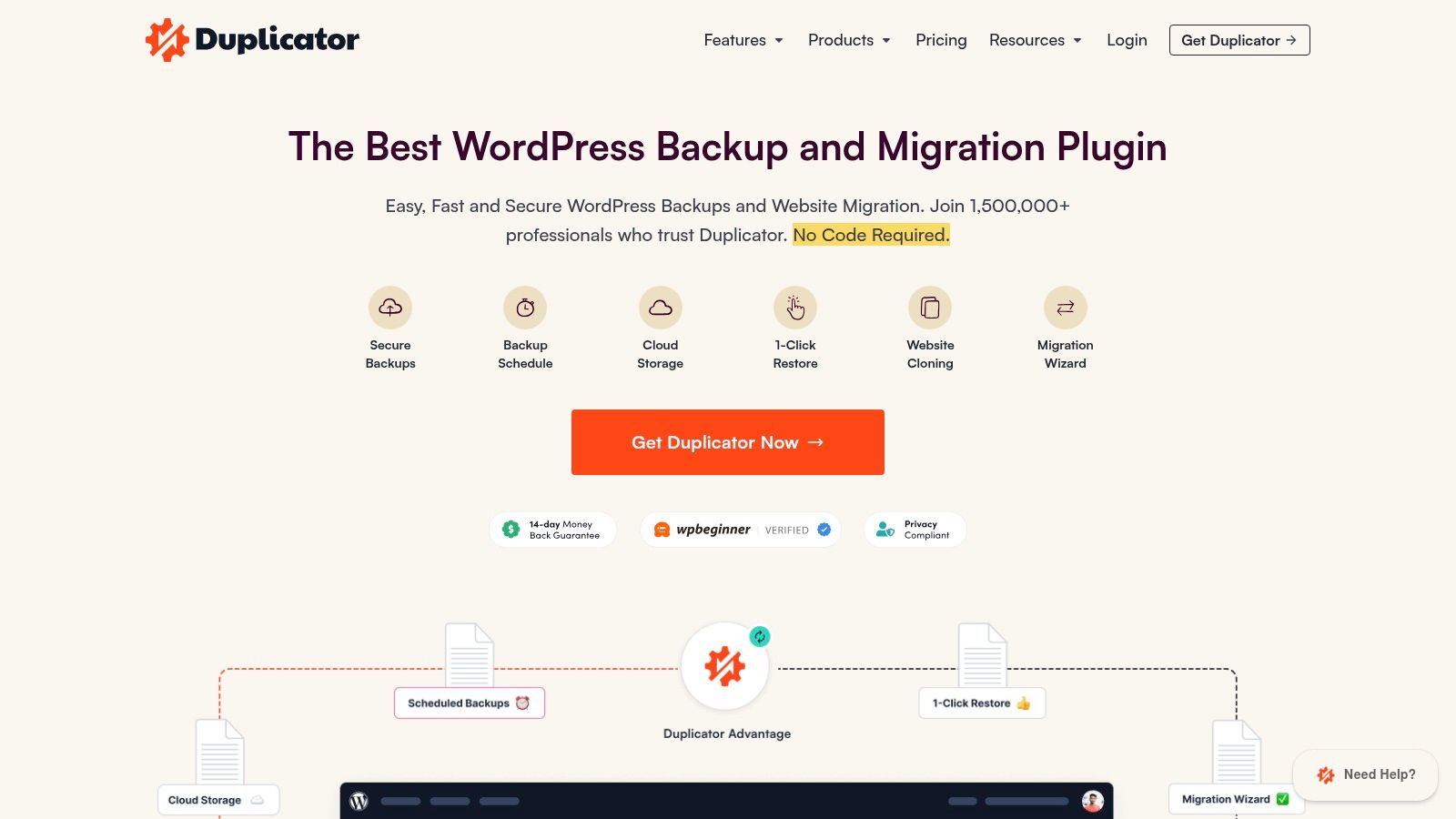
Duplicator Pro shines in scenarios where simple restoration isn't enough. Its drag-and-drop installer simplifies moving a site to a new host or domain, a process that can be complex with other tools. For those who want to master the art of site relocation, our guide on how to transfer a WordPress site to a new host offers additional context. The plugin’s Pro features, like hourly schedules and multisite network support, make it a strong contender among the best WordPress backup plugins for professional workflows that demand both robust backups and deployment flexibility.
Core Features & User Experience
- Backup & Migration: Creates complete site packages with a streamlined installer for easy server-to-server transfers.
- Storage Flexibility: Pro supports Amazon S3, Dropbox, Google Drive, OneDrive, SFTP, and other S3-compatible destinations.
- Advanced Tools (Pro): Enables scheduled backups, recovery points, multisite support, and staging site creation.
The user interface is direct and task-oriented, focusing on creating "Packages." While it may require a slight learning curve for pure backup-focused users, developers will appreciate its precision.
Best for: Developers and agencies that need a rock-solid tool for both backing up and migrating or cloning websites. Its packaging system is second to none for moving sites between different hosting environments. Find it at duplicator.com.
5. WPvivid Backup & Migration
WPvivid has quickly become a strong contender among the best WordPress backup plugins, known for its generous free version and exceptionally cost-effective Pro plans. It delivers a full suite of tools for backup, restoration, and site migration, making it an attractive all-in-one solution. The free plugin allows manual or scheduled backups to popular cloud destinations like Dropbox, Google Drive, and Amazon S3, covering your core database, themes, plugins, and uploads.
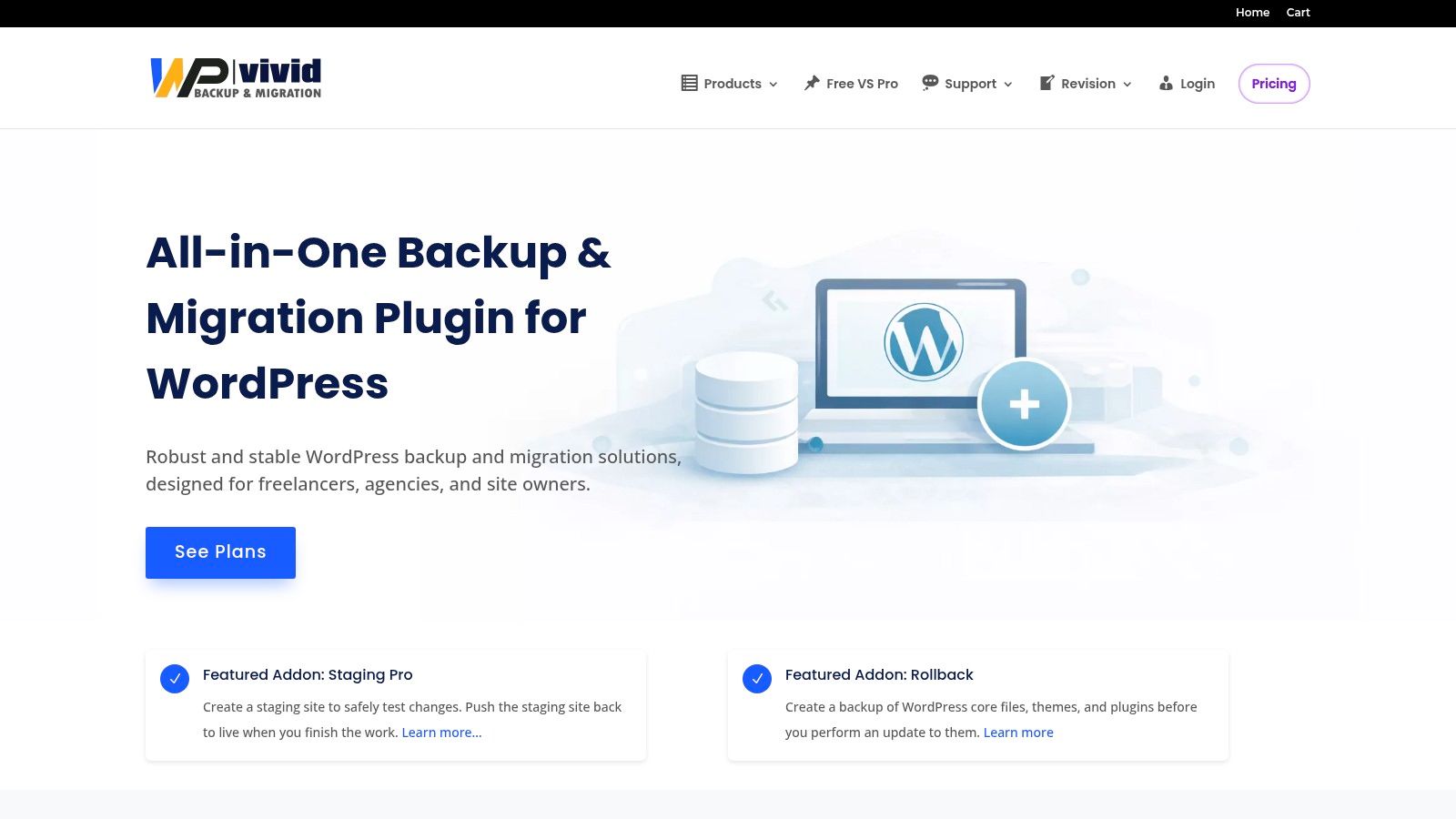
The real power of WPvivid is unlocked in its Pro version, which offers remarkable value, especially for agencies and developers. It introduces advanced features such as incremental backups, multiple custom scheduling, and support for additional cloud storage like Wasabi and Backblaze B2, which are excellent for long-term cost control. Its migration tools are particularly robust, offering one-click transfers and crash protection to ensure site integrity during the process. The availability of lifetime licenses makes it a financially smart choice for managing a portfolio of client sites without recurring subscription costs.
Core Features & User Experience
- Backup & Migration: Provides easy one-click backups and site migrations directly from the dashboard.
- Storage Options: Includes standard cloud targets in the free version, with Pro adding cost-effective options like Wasabi and Backblaze.
- Pro Features: Unlocks incremental backups, advanced scheduling, multisite support, a dedicated staging environment, and white-labeling for agencies.
While the user interface is functional and clean, some settings can feel more technical compared to other plugins. However, its clear organization allows most users to configure their backup and migration tasks efficiently.
Best for: Agencies, developers, and small businesses looking for a high-value, feature-rich plugin with affordable lifetime pricing. Its support for less common cloud providers makes it a great pick for users focused on minimizing long-term storage costs. Find it at wpvivid.com.
6. Solid Backups — NextGen (formerly BackupBuddy; SolidWP)
Evolving from the long-standing BackupBuddy plugin, Solid Backups is SolidWP's modern, cloud-first solution for website protection. It simplifies the backup process by focusing on daily incremental backups and providing a centralized management dashboard through Solid Central. This approach is designed for users who want an integrated security and management experience, bundling backups with other essential site tools. The base plan includes 20 GB of cloud storage, making it a complete package right out of the box.
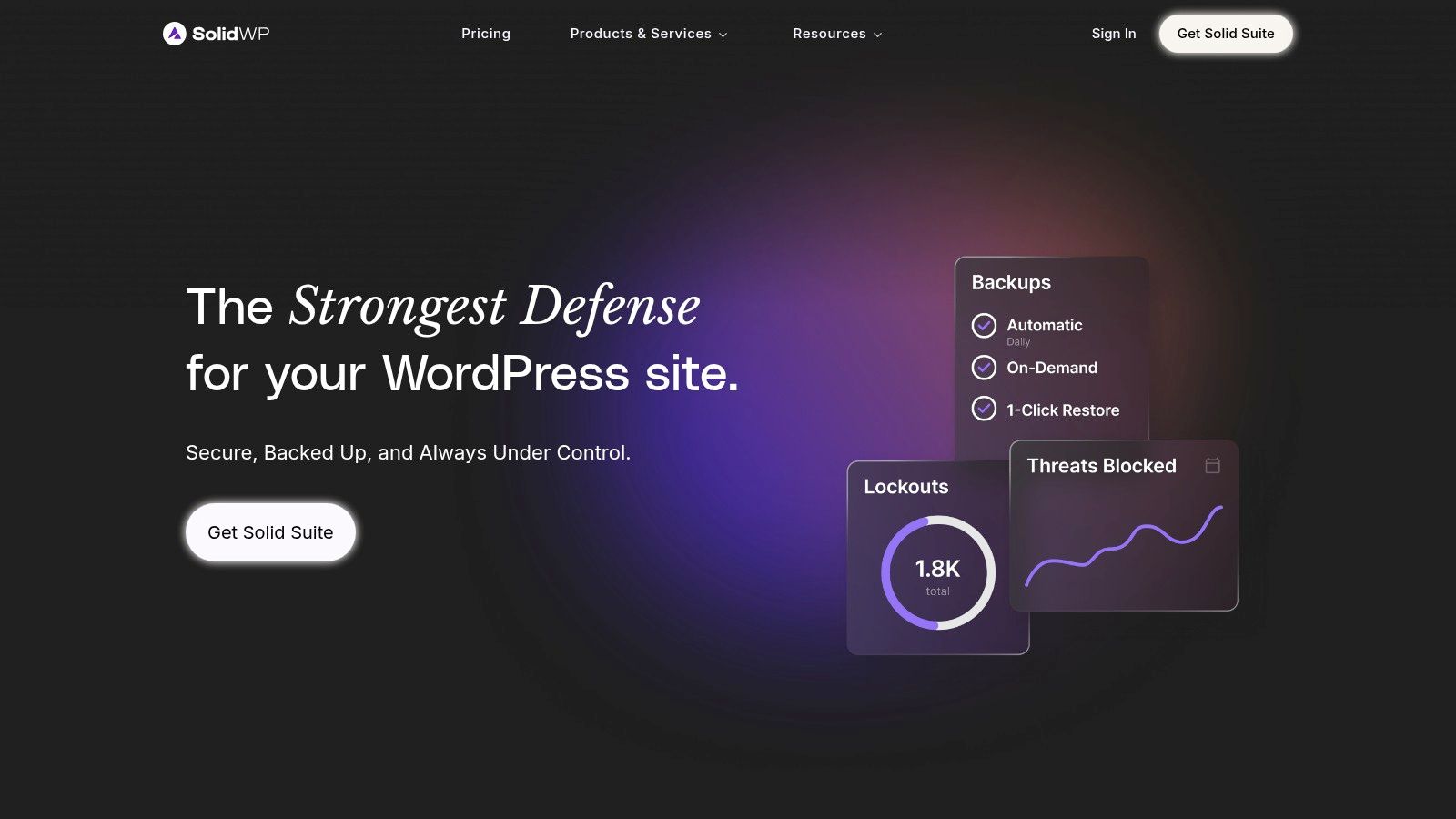
Solid Backups distinguishes itself by being part of a larger ecosystem. For agencies and freelancers managing multiple client sites, the ability to view an activity timeline, manage updates, and trigger backups from a single remote location via Solid Central is a significant workflow improvement. While it may offer fewer third-party storage destinations compared to plugins focused solely on backups, its strength lies in this all-in-one methodology. The simplified one-click restore flow is a marked improvement over its predecessor, making site recovery less intimidating for non-technical users and positioning it as a strong contender among the best WordPress backup plugins.
Core Features & User Experience
- Backup & Restore: Automatic daily incremental backups with a streamlined one-click restore process from the Solid Central dashboard.
- Storage Flexibility: Comes with included cloud storage, removing the need to configure a third-party service on basic tiers.
- Advanced Tools (Suite): Integrates with Solid Security and Solid Central for a unified site management and security posture.
The user experience is built around the Solid Central dashboard, which offers a clean, task-oriented interface for overseeing multiple sites. This contrasts with plugins that operate exclusively within the WordPress admin area.
Best for: Users already invested in the SolidWP ecosystem or those seeking a bundled solution for backups, security, and centralized management. It's a great fit for agencies and developers who value an integrated, all-in-one dashboard. Find it at solidwp.com.
7. BackWPup (Inpsyde)
As a veteran in the WordPress ecosystem, BackWPup has established itself as a stable and lean choice for site owners who prioritize dependable, scheduled backups. Its free version offers solid core functionality, allowing you to create complete site backups and dispatch them to remote destinations like Dropbox, Amazon S3, and FTP servers. This focus on straightforward, automated off-site storage makes it a reliable tool for fundamental backup needs without unnecessary complexity.
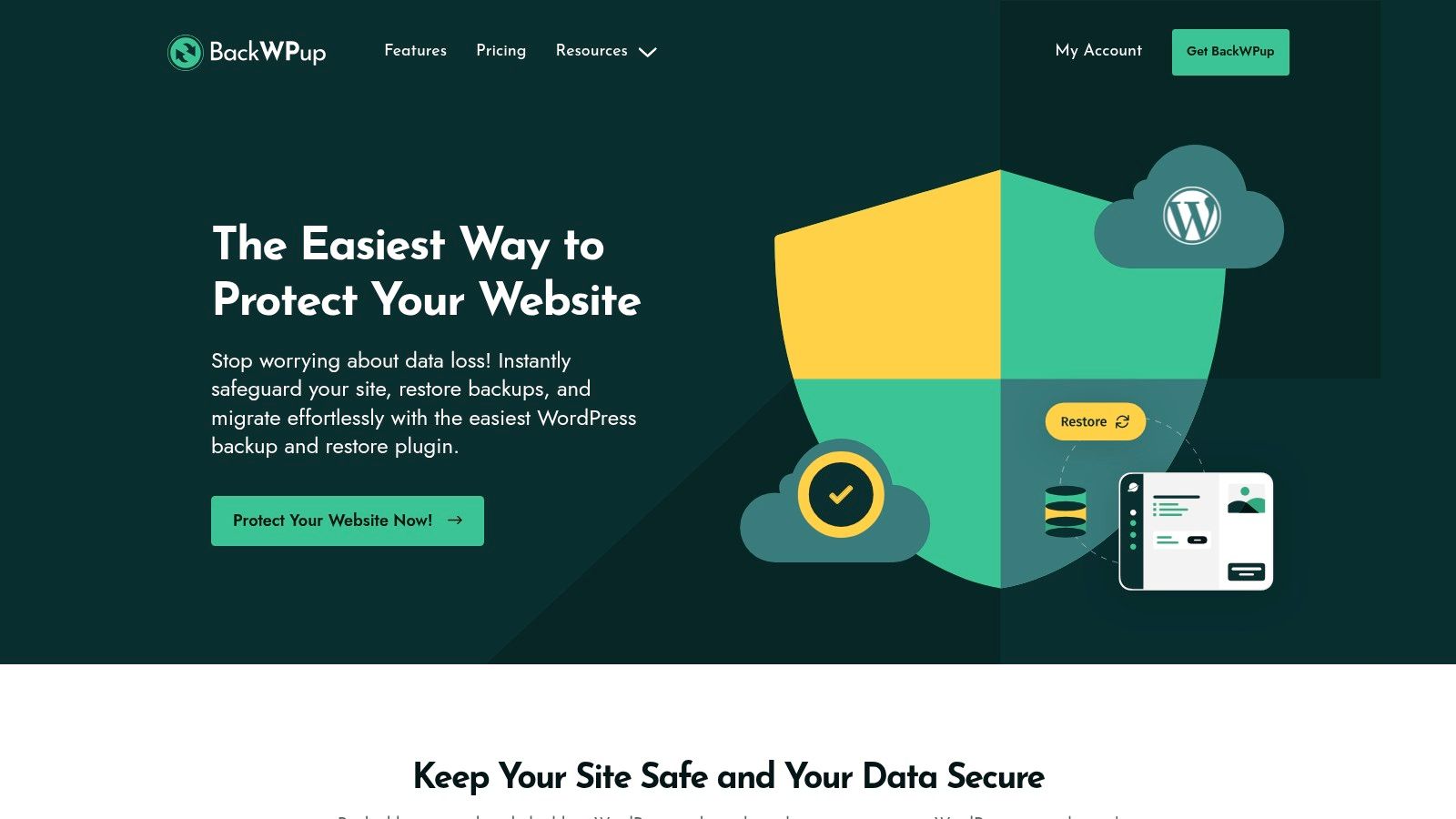
BackWPup differentiates itself by being a no-nonsense scheduler that performs its primary job well. The Pro version enhances its capabilities with important features like backup archive encryption, a standalone restore app for faster recovery, and utilities for migrating your website. With its long history and focus on core backup tasks, BackWPup remains one of the best WordPress backup plugins for users who value stability over a polished, modern interface. The pricing tiers for multiple domains are also quite attractive for freelancers managing smaller client portfolios.
Core Features & User Experience
- Scheduled Backups: Configure detailed jobs to run on a set schedule, sending backups to multiple cloud targets.
- Restore App (Pro): A dedicated application that simplifies the restore process, especially useful if your WordPress dashboard is inaccessible.
- Pro Tools: Unlocks data encryption, migration tools, and priority support, with licensing available for multiple domains.
The user interface feels utilitarian and can be less intuitive for newcomers compared to more modern plugins. However, once you understand its job-based logic, setting up and managing backups becomes a straightforward process.
Best for: Developers and site owners who need a dependable, cost-effective scheduler with a proven track record. Its lean nature and attractive pricing for small site portfolios make it a practical choice for those who don't require an abundance of advanced features. Find it at backwpup.com.
8. WP Time Capsule
Developed by the team behind InfiniteWP, WP Time Capsule offers a unique approach to backups, focusing on real-time incremental changes rather than periodic full-site snapshots. This method significantly reduces server load by only backing up files and database entries as they are modified. This makes it a strong contender among the best WordPress backup plugins for sites on shared hosting or for those who need constant protection without performance penalties. It is designed to work with your own cloud storage, which keeps long-term costs transparent and low.
WP Time Capsule’s standout feature is its intelligent integration of backups and staging. You can create a one-click staging site, safely test plugin or theme updates, and then merge the changes back to your live site. If an update causes an issue, the "back in time" restore function lets you revert your site to a state just moments before the problem occurred. This workflow-centric design is ideal for developers and agencies who need a reliable process for testing changes before deploying them.
Core Features & User Experience
- Backup & Restore: Real-time incremental backups that track changes as they happen. The restore process allows you to go "back in time" to any specific point.
- Storage Flexibility: Built around a Bring-Your-Own (BYO) storage model, it connects with your Amazon S3, Wasabi, or Backblaze B2 accounts for cost-effective retention.
- Advanced Tools: Features one-click staging, a "Test Restore" function to validate backup integrity, and an auto-update feature that backs up your site before running updates.
The primary drawback is the initial setup. Because you must configure your own object storage account, it requires more technical steps than all-in-one solutions. However, the plugin provides clear documentation to guide you through it.
Best for: Developers and agencies who prioritize minimal server impact and need a robust workflow for testing updates in a staging environment. The BYO storage model is perfect for those who want predictable, low-cost, long-term data retention. Find it at wptimecapsule.com.
9. BoldGrid Total Upkeep
BoldGrid Total Upkeep, a part of the BoldGrid suite of tools, distinguishes itself with a focus on update safety. It provides a straightforward backup, restore, and migration plugin that shines with its automated pre-update backup feature. This function automatically creates a backup right before you update your WordPress core, plugins, or themes, offering an instant rollback option if an update causes a critical error. This makes it an excellent safety net for users who want to keep their sites current without fear of breakage.
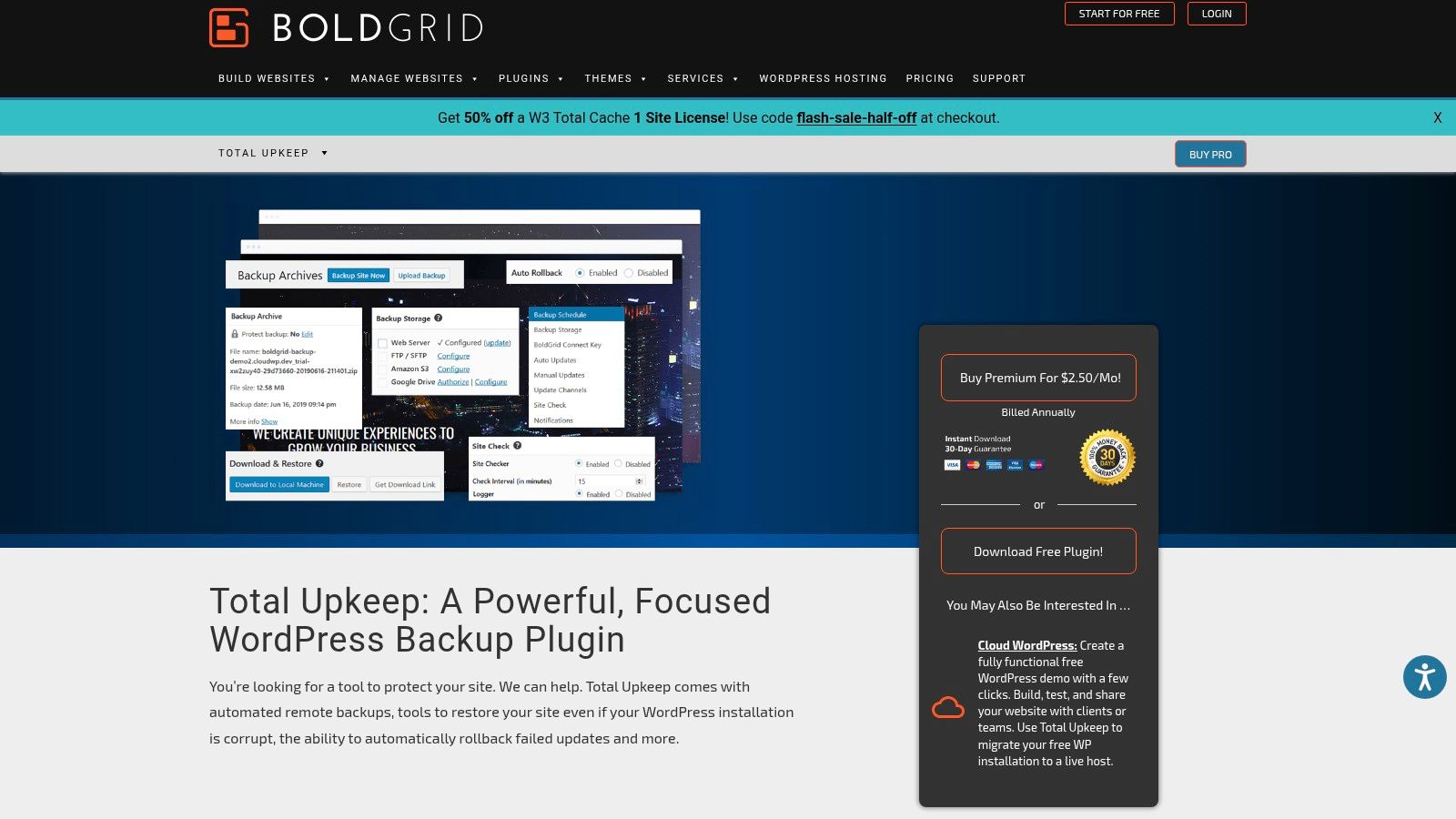
The primary appeal of Total Upkeep Premium is its licensing model. A single, very affordable premium license allows for usage on an unlimited number of websites. This is a massive cost-saver for freelancers or agencies managing a large portfolio of smaller client sites. Premium unlocks essential features for professional use, including remote backups to popular destinations like Amazon S3 and Google Drive, as well as file change monitoring. While it may not have the same feature depth as some competitors, its value proposition for multi-site managers is undeniable, positioning it as one of the best WordPress backup plugins for that specific use case.
Core Features & User Experience
- Backup & Restore: Automated backups with a unique pre-update auto-rollback feature on failure.
- Storage Flexibility: Premium version adds remote storage options for Amazon S3, Google Drive, and FTP/SFTP.
- Advanced Tools (Premium): Unlocks file change monitoring, activity logs, and, most importantly, an unlimited site usage license.
The user interface is clean and integrates well into the WordPress dashboard, making it easy to set up and manage. The policy-based rollback system is particularly simple for less technical users to understand and operate.
Best for: Freelancers and agencies managing many small client websites who need a cost-effective, set-and-forget backup solution. The "unlimited sites" premium license offers exceptional value. Find it at www.boldgrid.com/wordpress-backup-plugin/.
10. ManageWP (Backup add‑on)
ManageWP is not a standalone plugin but a powerful portfolio management dashboard designed for agencies and freelancers handling multiple WordPress sites. Its backup functionality is an integrated add-on, offering an extremely efficient way to secure an entire client portfolio from a single interface. The free tier provides monthly scheduled backups, while the premium add-on unlocks on-demand, daily, or even hourly backups stored securely on ManageWP’s own infrastructure with US or EU data center options.
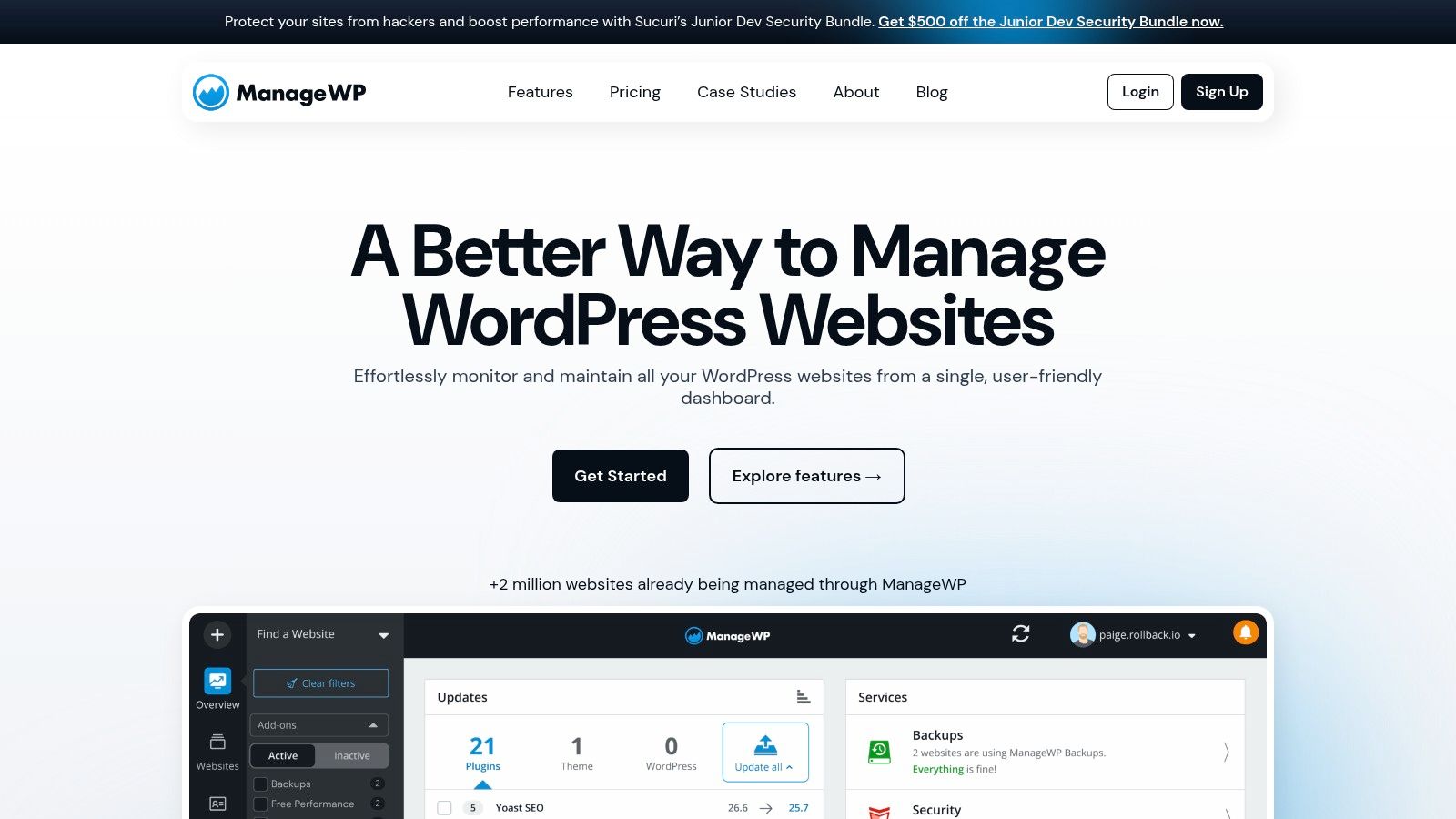
The platform’s real strength lies in its unified workflow. Backups are not just for disaster recovery; they are integrated directly with cloning and migration tools. This makes it simple to stage a site, deploy changes, or move a site to a new server without ever leaving the ManageWP dashboard. This holistic approach makes it one of the best WordPress backup plugins for professionals who value operational speed and centralized control over a large number of websites. Its pay-as-you-go pricing for premium features also offers excellent scalability.
Core Features & User Experience
- Centralized Management: Back up, restore, and clone dozens or hundreds of sites from one clean dashboard.
- Integrated Workflow: Use backups to instantly create staging sites or migrate a site to a different host.
- Flexible Scheduling: Free monthly backups are standard; Premium offers on-demand and high-frequency (hourly/daily) schedules per site.
The user interface is a key highlight, providing a bird's-eye view of all your sites' health, including backup status. One-click restores are fast and reliable. The main limitation is that backups are tied to ManageWP's cloud storage; you cannot use your own S3 or Dropbox account.
Best for: Freelancers and agencies who prioritize efficiency and manage a portfolio of five or more client websites. The cost-per-site model is economical at scale, and the time saved by centralizing tasks is a significant business advantage. Find it at managewp.com.
11. Snapshot (WPMU DEV)
For developers and agencies already invested in the WPMU DEV ecosystem, Snapshot provides a deeply integrated and powerful backup solution. It isn't sold as a standalone product but is a core component of the WPMU DEV membership, which bundles security, performance, and site management tools. This all-in-one approach is its main draw, offering a single dashboard to manage backups, security scans, and performance optimizations across multiple client sites via the WPMU DEV Hub.
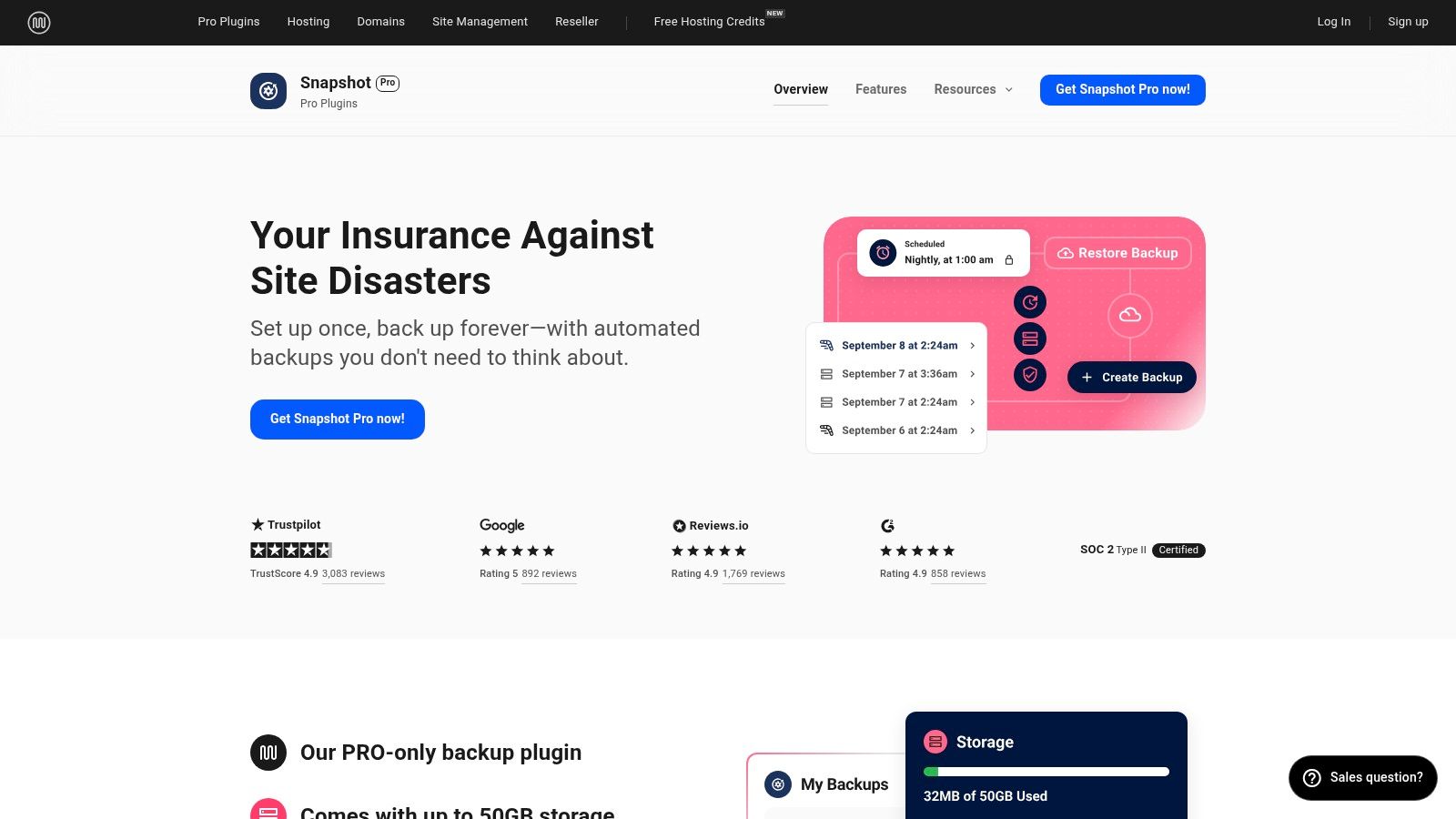
Snapshot handles scheduled offsite backups with a simple one-click restore process, making disaster recovery straightforward. Membership tiers include a specific quota of backup storage, with the option to purchase more if needed. The tight integration with the Hub allows for centralized oversight, letting you trigger backups, perform restores, and monitor all your sites from a single control panel. This makes it one of the best WordPress backup plugins for agencies looking to consolidate their toolkit and streamline client management.
Core Features & User Experience
- Integrated Toolkit: Backups are just one part of a suite that includes a CDN, security scanner, and performance tools.
- Centralized Management: The WPMU DEV Hub provides a single interface to manage backups, updates, and other services across an unlimited number of websites.
- Storage Included: Each membership plan comes with a set amount of dedicated backup storage, removing the need to configure a third-party service.
The user experience is clean and modern, consistent with the rest of the WPMU DEV suite. While the requirement of a full membership is a significant consideration, the value is clear for those managing a portfolio of sites.
Best for: Agencies and freelance developers who want an all-in-one solution for site management, security, and backups. It’s an ideal fit if you prefer a single subscription and a unified dashboard over juggling multiple standalone plugins. Find it at wpmudev.com/project/snapshot/.
12. All‑in‑One WP Migration Pro (ServMask)
While primarily known for its foolproof site migration capabilities, All-in-One WP Migration Pro from ServMask has evolved into a robust backup utility. Its core strength lies in its simplicity for moving sites, but the Pro edition extends this to automated backups, making it a dual-purpose tool. The plugin supports automated scheduling and can send backups to over 15 cloud storage providers, including popular options like Google Drive, Amazon S3, and DigitalOcean Spaces.
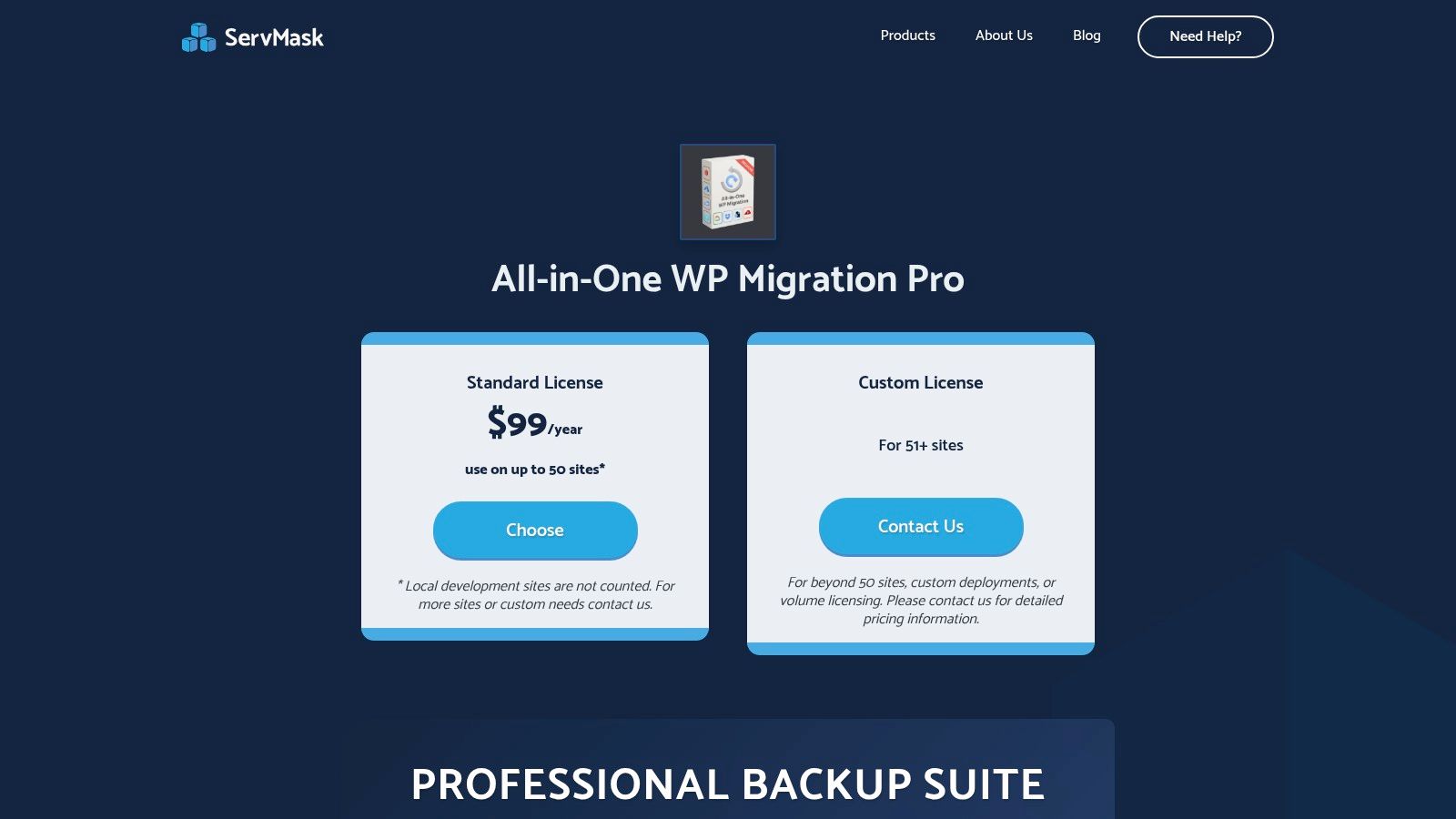
This plugin stands out for teams that frequently clone, stage, or migrate websites across different hosting environments. The Pro version removes the upload size limits of the free plugin, a critical feature for large sites. It also adds WP-CLI support for developers who prefer command-line operations and encrypts archives for added security. However, its licensing model, which counts site usage events per year, means larger agencies or those with high migration frequency will need to invest in higher tiers.
Core Features & User Experience
- Backup & Migration: Creates a single, portable
.wpressarchive for both backup and migration, streamlining the process. - Storage Flexibility: Extensive support for 15+ cloud destinations, with advanced retention controls to manage storage space.
- Advanced Tools (Pro): Unlocks unlimited upload size, WP-CLI commands, backup encryption, and automated scheduling.
The user interface is exceptionally clean and straightforward, focusing on a simple export/import workflow that is very easy for non-technical users to grasp.
Best for: Agencies and developers who need a reliable tool that excels at both site migration and scheduled backups. Its reliability across varied hosting environments makes it one of the best WordPress backup plugins for those who frequently move sites. Find it at servmask.com.
Top 12 WordPress Backup Plugins — Feature Comparison
| Product | Core features | Unique selling points | Target audience | Pricing / Value | Quality |
|---|---|---|---|---|---|
| UpdraftPlus (TeamUpdraft) | Scheduled & on‑demand backups, one‑click restore, incremental (Premium), migrations, broad cloud support | ✨ Mature ecosystem; wide cloud targets; well‑documented 🏆 | 👥 Agencies, multisite admins, DIY site owners | 💰 Free + Premium (per‑site licenses) | ★★★★ |
| Jetpack VaultPress Backup (Automattic) | Real‑time incremental cloud backups, one‑click restores, activity log, mobile restores | ✨ Real‑time WooCommerce‑aware backups; seamless mobile restore 🏆 | 👥 WooCommerce stores, low‑tech users | 💰 Base plan includes 10GB; tiered storage | ★★★★★ |
| BlogVault | Incremental/offsite backups, built‑in staging, push‑to‑live, robust migrations | ✨ Scales for very large sites; Emergency Connector & migration robustness 🏆 | 👥 Enterprise & high‑change sites, agencies | 💰 SaaS per‑site pricing (enterprise tiers) | ★★★★★ |
| Duplicator Pro | Full site packages, drag‑and‑drop installers, scheduled backups, cloud targets, staging | ✨ Best for host‑to‑host cloning & quick restores; flexible installers 🏆 | 👥 Dev teams, agencies that migrate often | 💰 Pro license / bundles | ★★★★ |
| WPvivid Backup & Migration | Backups to many clouds, incremental (Pro), migrations, staging add‑on | ✨ Strong value + lifetime license options; supports Wasabi/B2 for low cost | 👥 Agencies, cost‑conscious teams | 💰 Free + Pro; lifetime licensing available | ★★★★ |
| Solid Backups — NextGen (SolidWP) | Daily incremental backups, one‑click restore, centralized Solid Central dashboard | ✨ Cloud‑first design; Suite integration for security/management 🏆 | 👥 Users of SolidWP suite, agencies | 💰 Base tier includes storage; suite bundles | ★★★★ |
| BackWPup (Inpsyde) | Scheduled backups to S3/Dropbox, Pro adds encryption & restore app | ✨ Lean, dependable scheduler with long track record | 👥 Small portfolios, budget users | 💰 Free + affordable Pro | ★★★ |
| WP Time Capsule | Real‑time incremental backups, one‑click staging/restores, BYO S3/Wasabi/B2 storage | ✨ Minimal server impact; predictable BYO storage costs | 👥 Agencies/devs using object storage | 💰 Subscription + BYO storage costs | ★★★★ |
| BoldGrid Total Upkeep | Pre‑update auto‑backups & rollback, remote backups (Premium), activity logs | ✨ Simple auto‑rollback; unlimited sites under one Premium license | 👥 Small businesses, agencies with many small sites | 💰 Very low Premium price; unlimited site license | ★★★ |
| ManageWP (Backup add‑on) | Offsite backups (free monthly / premium hourly), one‑click restore, cloning & excludes | ✨ Centralized multi‑site management from one dashboard 🏆 | 👥 Freelancers & agencies managing many sites | 💰 Free monthly or pay‑per‑site Premium | ★★★★ |
| Snapshot (WPMU DEV) | Scheduled offsite backups, one‑click restore, Hub integration for centralized control | ✨ Bundled with WPMU DEV toolkit (billing, CDN, security) | 👥 Existing WPMU DEV members, agencies | 💰 Membership‑based (includes storage quotas) | ★★★★ |
| All‑in‑One WP Migration Pro (ServMask) | Migration‑first: automated backups, advanced scheduler, 15+ cloud providers, encryption | ✨ Unlimited upload extension; very reliable cross‑host migrations 🏆 | 👥 Teams that frequently migrate sites, devs | 💰 Pro license (site/year licensing tiers) | ★★★★ |
Choosing Your Ultimate Backup Strategy: Plugins, Servers, and Peace of Mind
We've explored a dozen of the best WordPress backup plugins available today, from the feature-rich flexibility of UpdraftPlus to the managed simplicity of Jetpack VaultPress Backup and the migration prowess of Duplicator Pro. Each tool offers a distinct approach to safeguarding your website's data, catering to different needs, budgets, and technical comfort levels.
The central lesson is that a one-size-fits-all solution rarely exists. Your ideal plugin depends entirely on your specific circumstances. A freelance developer managing multiple client sites might prioritize the central dashboard and flat-rate pricing of ManageWP, while a small business owner needs the straightforward, set-and-forget reliability of BlogVault. Meanwhile, a DevOps engineer will appreciate the granular control and CLI options provided by a tool like BackWPup.
Key Takeaways for Selecting Your Plugin
As you make your decision, boil it down to these critical factors:
- Reliability vs. Features: Is your top priority an ironclad, automated offsite backup that just works? Or do you need advanced features like staging environments, migration tools, or multisite network support? Plugins like BlogVault excel at the former, while tools like WPvivid and Duplicator Pro shine at the latter.
- Performance Impact: Real-time and incremental backups (offered by Jetpack VaultPress Backup, BlogVault, and WP Time Capsule) are superior for high-traffic sites as they minimize server load by only syncing changes. Be mindful of plugins that create full backups during peak hours, which can slow down your site.
- The Restore Experience: A backup is only as good as its restore process. Look for plugins with a proven, user-friendly restore interface. A complicated or confusing process is the last thing you want to deal with during a site emergency.
- Cost vs. Value: Free plugins like UpdraftPlus (with its powerful free version) and BackWPup offer a fantastic starting point. However, premium services often justify their cost with superior support, offsite storage, and advanced features that save you time and prevent costly mistakes.
Building a Multi-Layered Defense System
Selecting one of the best WordPress backup plugins is a crucial step, but a truly resilient strategy involves layers. While plugins like Solid Backups offer application-level granularity and BlogVault provides effortless offloading, they operate within the WordPress environment. If a server-level issue locks you out of your WP-Admin dashboard entirely, your plugin backup might be inaccessible.
For complete protection, you should complement your plugin with server-level backups. This creates a fail-safe that exists completely outside of your WordPress installation. Beyond just selecting plugins, crafting your ultimate backup strategy requires a holistic view. This comprehensive data backup and recovery guide offers insights into best practices that apply to your entire digital infrastructure.
By combining a top-tier plugin for quick file or database restores with automated, independent server snapshots for total disaster recovery, you build a comprehensive defense. This two-pronged approach ensures your digital assets are always safe, no matter what goes wrong. Your plugin handles common issues like bad updates or content errors, while server snapshots provide a complete "rewind button" for catastrophic failures. This layered strategy is the key to genuine peace of mind.
Ready to add that essential server-level layer to your backup plan? WPJack makes it simple by automating full server snapshots on your schedule, giving you a complete recovery point independent of WordPress. Set up your first server with automated backups in minutes at WPJack.
Free Tier includes 1 server and 2 sites.